Short answer: first check status.claude.com: if Anthropic has an incident, there's nothing to fix on your side. If it's only you, run /doctor inside Claude Code, or claude doctor in your terminal if Claude Code won't start at all. It checks your install, settings and extensions, and offers to fix what it finds. Then find your situation below.
Everything here is from Anthropic's own troubleshooting docs, checked on October 31, 2026. (I build Morphy, which comes with Claude Code built in; it gets one paragraph near the end.)
Is Claude Code down?
Check status.claude.com first. These messages also mean the problem is on Anthropic's side, not yours:
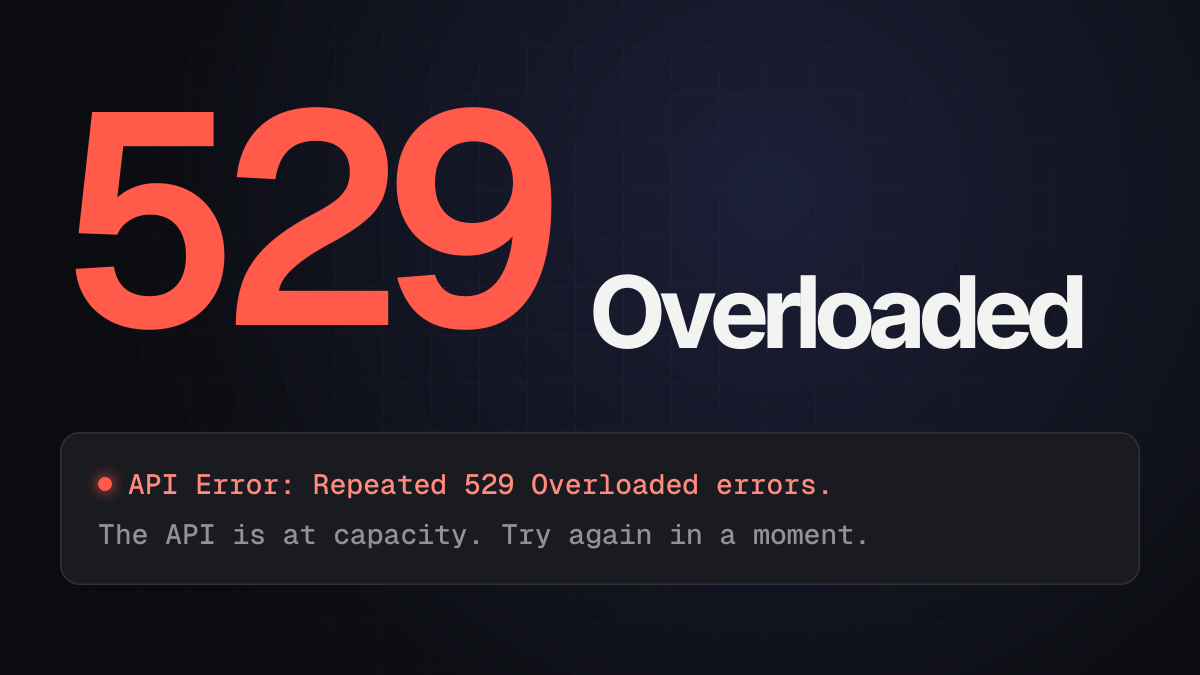
API Error: Repeated 529 Overloaded errors: Anthropic is at capacity. Switching models often helps; see the 529 guide.API Error: 500 Internal server error: an unexpected failure in the API. Wait a minute and sendtry again.
Any other message that starts with API Error or names a code like ECONNRESET is covered, word for word, in Claude Code API errors.
claude isn't found
The install finished, but typing claude gives one of these:
| Where | The message |
|---|---|
| macOS | zsh: command not found: claude |
| Linux | bash: claude: command not found |
| Windows CMD | 'claude' is not recognized as an internal or external command |
| PowerShell | claude : The term 'claude' is not recognized as the name of a cmdlet |
- Open a new terminal. The installer adds Claude Code to your PATH, but a terminal that was already open doesn't know yet.
- Still not found? The install folder isn't on your PATH. On Windows it's
%USERPROFILE%\.local\bin; add it in your environment variables. On a Mac or Linux, add~/.local/binto your shell's profile. - On Windows, right after an update? The update can leave a backup instead of
claude.exe. Rename the newestclaude.exe.old.*in%USERPROFILE%\.local\binback toclaude.exe, or reinstall. - On Windows,
claudeopens the Claude desktop app? An older desktop app registered its ownClaude.exefirst. Update the Claude desktop app.
The Windows install has a few more traps of its own (scripts disabled in PowerShell, 32-bit PowerShell, the wrong install command): see how to install Claude Code on Windows.
Claude Code hangs or freezes
- Press Ctrl+C to cancel what it's doing.
- Still stuck? Close the terminal and open a new one.
- Run
claude --resumein the same folder. Restarting doesn't lose your conversation: pick it from the list and carry on.
If it's slow rather than stuck, Waiting for API response · will retry in … means no data has arrived for 20 seconds. Claude Code retries by itself; if the line comes back on every attempt, treat it as a network problem (see connection errors).
It keeps asking you to log in
- Run
/login. If it happens often, check that your computer's clock is right: the login check depends on it. - Reset the login completely: run
/logout, close Claude Code, startclaudeagain and sign in. - The browser doesn't open, or you're on SSH: press
cto copy the sign-in address, and open it in a browser yourself. OAuth error: Invalid code: the code expired or was cut off when you copied it. Press Enter to try again and finish quickly.API Error: 403 Request not allowedafter logging in: check that your Claude subscription is active at claude.ai/settings. On a company account in the Claude Console, an admin has to give you the "Claude Code" or "Developer" role. Behind a company proxy, the proxy may be blocking requests.- Still a loop? An API key in your environment can take priority over your login. Run
/statusto see which one is in use; sign-in errors has the fix for each case.
Not working in VS Code (or Cursor)
The Claude Code extension runs in VS Code and in editors built on it, like Cursor, so the same fixes apply.
- The extension won't install. It needs VS Code 1.94 or later (Help → About). Check that VS Code may install extensions, or install it from the VS Code Marketplace.
- No Claude Code icon. The Spark icon at the top right only shows when a file is open; a folder alone isn't enough. Or click ✻ Claude Code in the status bar at the bottom right, which works without a file. Also check that the window isn't in Restricted Mode (the extension needs a trusted folder), try Developer: Reload Window from the Command Palette, and turn off other AI extensions for a moment.
- The panel is blank. Update the extension (2.1.309 or later fixes a blank panel), then run Developer: Reload Window. If a
Claude Code couldn't loadnotice appears, follow its steps; Claude Code: Show Logs opens the log for a bug report. - It never answers. Check your internet, start a new conversation, then run
claudein a terminal: the command line shows more detailed errors than the panel. claudeisn't found in VS Code's terminal. The extension comes with its own copy of Claude Code for the panel, but doesn't putclaudeon your PATH. Install the standalone version once, andclaudeworks in every terminal.
Still not working?
- Update Claude Code. Many of the fixes above are in recent versions.
claude --versionshows yours. - Run
/doctoragain after each change, and/mcpif a tool or MCP server is the problem. - Report it with
/feedback, or look for the same problem in Claude Code's GitHub issues. - Account or billing trouble goes to Anthropic's support: on claude.ai, click your initials at the bottom left and choose Get help.
In Morphy
Morphy comes with Claude Code built in, so there's no install, no PATH and no terminal: connect your Claude account in Settings and every Claude chat runs on your own plan. When Claude itself is down or overloaded, you can switch the chat to another AI, such as Codex, and the conversation comes along.
Questions
Why is Claude Code not working today? Check status.claude.com for an incident first. If there's none, run /doctor (or claude doctor when it won't start), and match the message you see in Claude Code API errors.
Why is Claude Code not working in the terminal? Usually because claude isn't on your PATH yet: open a new terminal, and if it's still not found, add the install folder to your PATH as shown above.
Why isn't Claude Code showing up in VS Code? The icon only appears with a file open. Click ✻ Claude Code in the status bar instead, check the folder is trusted, and reload the window.
Does Claude Code work in Cursor? Yes. Cursor is built on VS Code, so the Claude Code extension runs in it, with the same fixes as above.
Will I lose my conversation if I restart Claude Code? No. Run claude --resume in the same folder and pick it from the list.
Related guides
- Claude Code API errors: what each one means
- Claude Code "API Error: 529 Overloaded"
- How to install and use Claude Code on Windows
- The best Claude Code GUIs
References
- Anthropic: troubleshooting (hangs,
/doctor, getting help), troubleshoot installation and login (command not found, PATH, login, 403), VS Code (fix common issues, running the command line in VS Code), error reference, status - Morphy: Switch to another AI