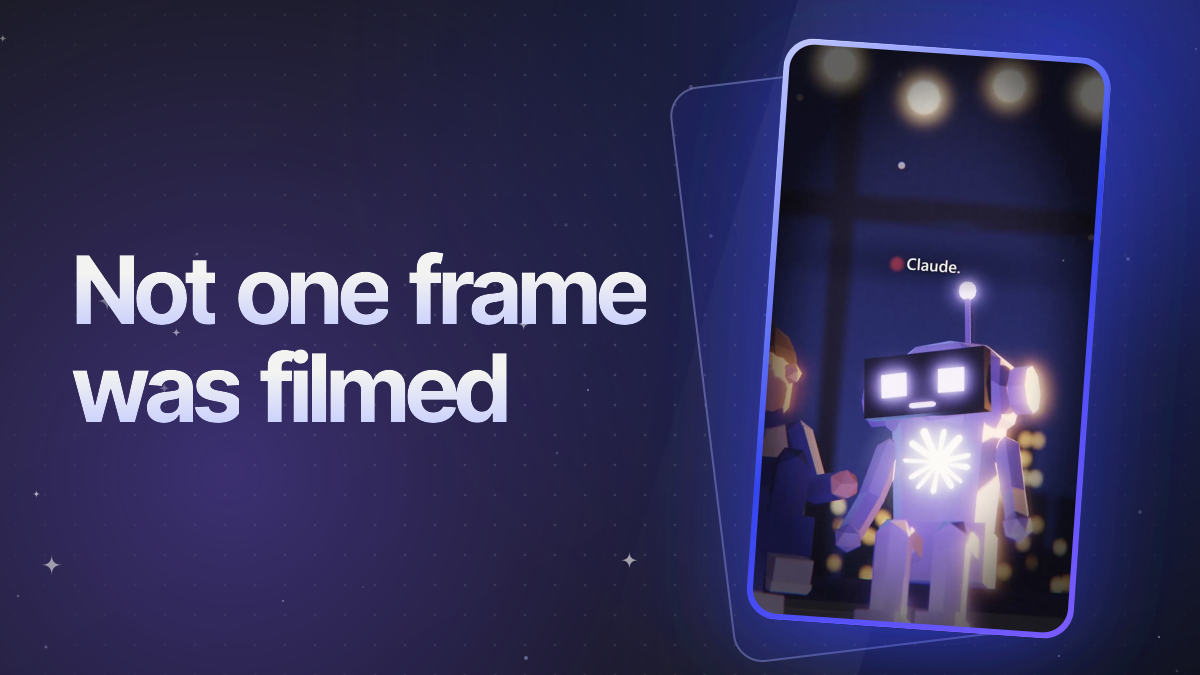
If you came here from @agentmorphy: this is the file. It's the skill my AI agent reads before it makes a reel, the same recipe behind the 4.8 million views from my first 11 days. It's free.
SKILL.md · 41 KB
The dev-claude-reel skill: about 6,500 words of instructions for Claude to make a 15 to 45 second vertical 3D reel of a developer talking to Claude, from the script to the finished MP4.
How I make my AI reels shows what this produces and why each step matters. This post is about the skill itself: what's in it, how to install it and how to make your first reel with it.
What a skill is
A skill is a file of instructions an AI agent follows for one kind of job. Instead of explaining your process at the start of every chat, you write it down once, and the agent reads it when it needs it. This one has the full process and the rules for doing it well.
It's written for Claude, and works as-is in Claude Code and as a Morphy skill.
What's in it
| Section | What it tells the agent |
|---|---|
| Rules of engagement | Be gentle with your computer (one browser, on the graphics card, at low priority), never print your API keys, check stills before rendering the film, and never post anything for you |
| Requirements | Check Node, Chrome or Edge, ffmpeg, three.js, the ElevenLabs key and the graphics card in the first minute |
| Project layout | One folder per video: the page, the 3D scene, a shared timeline, voices, the mix and the renderer, as plain files |
| The headless Chrome driver | How to render a three.js page frame by frame, without a screen recorder |
| Voices and timings | ElevenLabs voices with an acting note per line, and word timings for the subtitles and the mouth movements |
| Timeline | One file that every step reads: who speaks when, every gap, every shot |
| Shots and camera | Which shot to use when (hook, wide, two-shot, single, reaction, close-up, insert, pull-back) and where to cut |
| Motion rules | The twelve things that make a 3D reel look buggy, and how to check for them automatically |
| Writing the script | Open on the AI's name and a hook, keep lines short, escalate, end on the punchline and cut |
| Music and mix | Room tone, an optional music bed, the voice chain, and loudness at -14 LUFS |
| Rendering and delivery | Resumable rendering in chunks, a check that no frame came out blank, and a final verification of the file |
What it deliberately doesn't contain: what your characters look like, the room they're in, or the story. Those are yours. Give the agent a topic and a few notes on your characters and set, or let it decide and see what it comes up with.
What you need
- An AI agent that can run code: Claude Code, or a Claude chat in Morphy.
- Node 22 or newer, Chrome or Edge, and ffmpeg on your computer.
- An ElevenLabs API key for the voices. The free plan works for trying it out, but to post reels that promote anything you need a paid plan (from $6 a month).
- A graphics card. Rendering a 3D film on the processor alone pegs every core for tens of minutes, so the skill checks first and stops if it would have to.
The agent installs three.js itself, in the video's own folder.
Install it
In Morphy: open Settings → Skills, click Import… and pick the SKILL.md you downloaded. Then, in a Claude chat, type / and choose dev-claude-reel, and ask for your reel in the same message.
In Claude Code: save the file as .claude/skills/dev-claude-reel/SKILL.md in your project, or in ~/.claude/skills/dev-claude-reel/ to have it in every project. Run it with /dev-claude-reel, or just ask for a reel and Claude picks it up.
Any other agent: attach the file to your first message, or tell the agent where it is and ask it to follow it.
Your first reel
Start with a short brief. For example:
Make a 30-second reel. Topic: I asked Claude to fix one bug and it rewrote half the app. The developer is tired and defensive; Claude is calm and literal. Set: a desk by a window at night.
What happens next:
- The agent checks your setup and writes the script. Want to approve it first? Say so in your brief, and change any line before it goes on.
- It generates the voices and builds the timeline and the scene.
- It renders one still per shot as a contact sheet and checks it before the full render. Ask to see it too: this is the moment to give notes on a pose, a camera angle or the timing of a joke. Fixing it here costs seconds; fixing it after the full render costs minutes.
- It renders every frame on your graphics card, mixes the sound and hands you the MP4. On my computer that's about five minutes for a 48-second reel.
Then post it yourself: the skill never does.
Make it yours: keep a rules file
The skill has the mechanics and the general rules. What made my reels better week after week is a second file of my own taste: every note I gave the agent became a rule in it, and it reads that file before every reel. I'm at twenty rules now, like "subtitles above the middle, never at the bottom" and "laughs stay a closed-mouth chuckle". Start yours after your first reel: the notes you give on the stills are your first rules.
Or let Morphy run it for you
In Morphy, the same pipeline is a ready-made Automation: the Cinematic reels template writes five scripts per run, you keep the ones you like, and each one you keep becomes a video, all on one board. It's part of Morphy Pro, in beta. And if you want to know which other AI tools are worth using for video, voices and music, I compared them in my guide to making content with AI.