
Motion graphics UI
Stamp
A free Claude skill for fast escalation reels in motion graphics UI
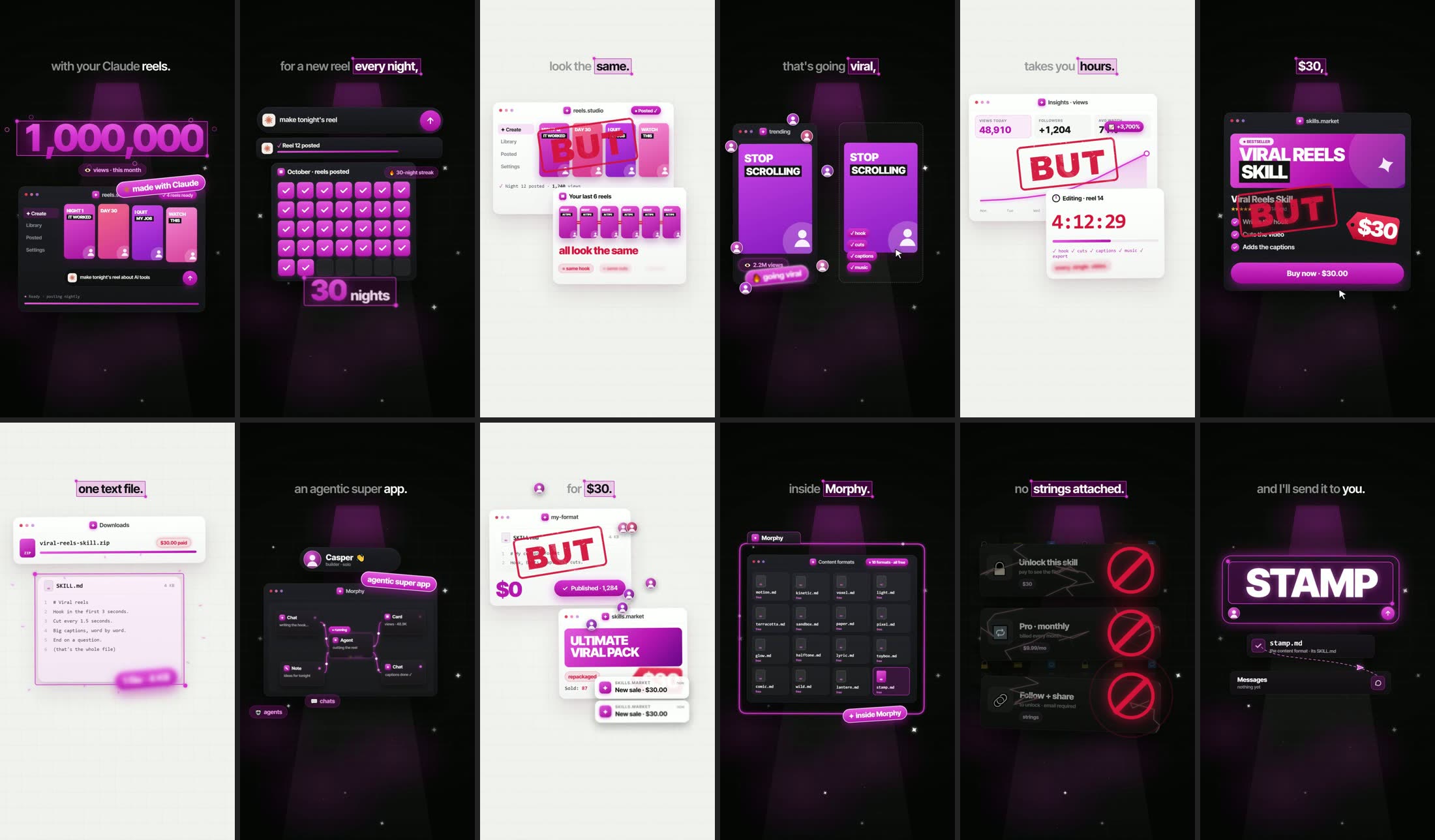
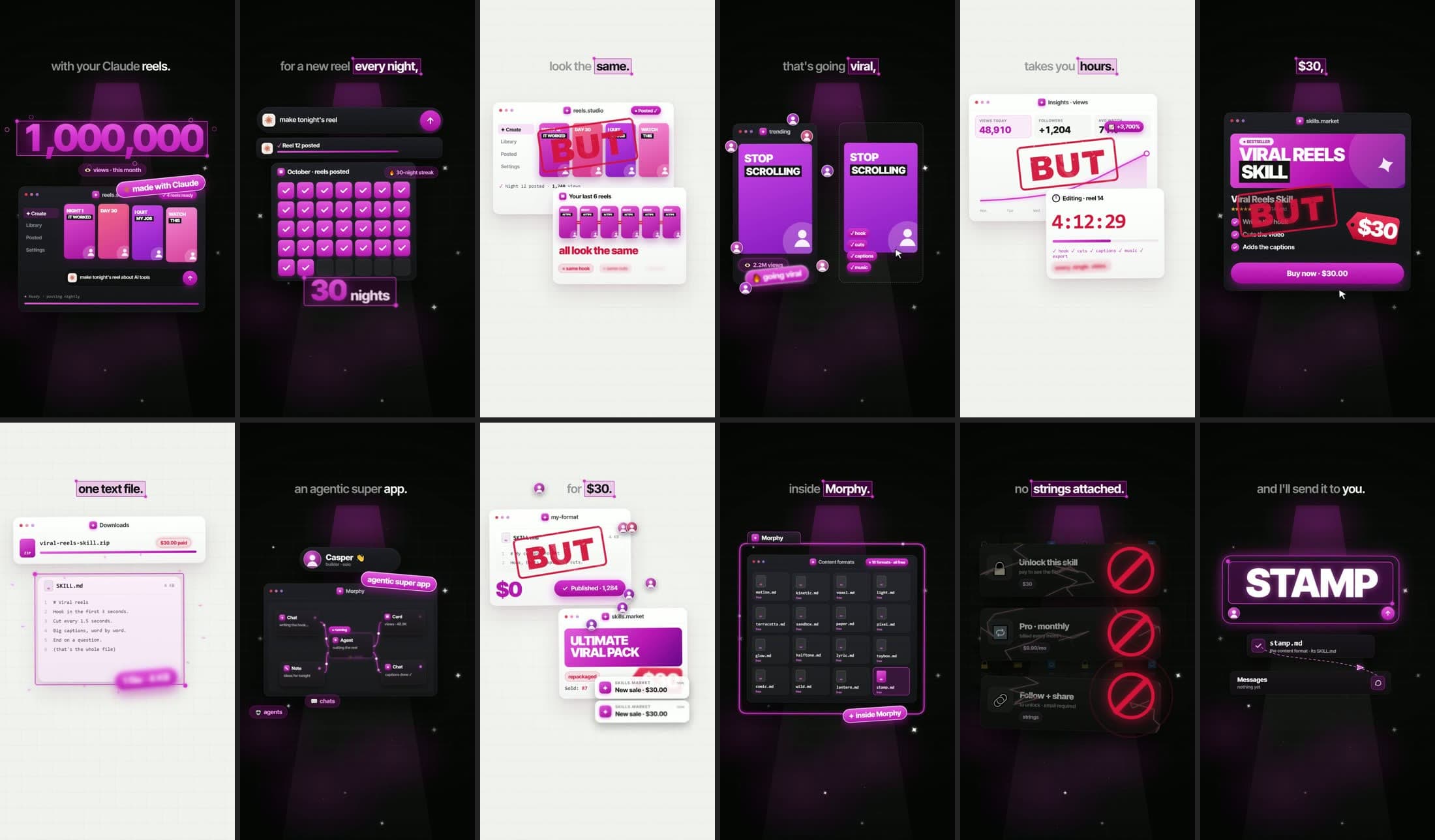
It tells one chain. You want something big, so you try the obvious fix, and it works, but. So you try the next one, but. Every "but" slams a red rubber stamp onto the screen with a shockwave and a camera shake, and the story keeps escalating until the payoff mirrors the hook. Everything is glossy app UI in one magenta, on a dark grid with a stage light that flips to off-white on the turns: one app window per beat that keeps changing while you talk. Counters roll, cards whip in and float, a cursor clicks and drags, wires draw and carry pulses, a price tag swings, and the big number snaps into a selection box with a burst of confetti. Captions run word by word at the top with the key word boxed, and about 300 sound cues land on the motion.
45–60 s9:16 verticalTikTokInstagram ReelsYouTube Shorts
Free · by Casper
What it makes
- A red rubber BUT stamp that slams onto the card on every "but", with a shockwave, ink flecks and a camera shake
- Glossy magenta app windows that keep changing on the words: counters, charts, calendars, receipts, notifications
- Cursors that click and drag, cards that whip in and float, and wires that draw themselves and carry pulses
- A big number that counts up and snaps into a selection box with a burst of confetti
- Word-by-word captions with magenta selection boxes, and a comment box that types your keyword at the end
Best for: Stories that escalate: every fix that led to the next problem, a price that got out of hand, why the obvious way doesn't work.
What you need
- Node 22 or newer
- Chrome or Edge
- ffmpeg
- An ElevenLabs API key (the free plan works to try it)
45 to 60 seconds · One quick voice, with free estimated timings before you spend any credits · Its own sounds and a 105 bpm beat for free, about 5 to 10 minutes to draw a 55-second reel
How to use it
- Morphy: it's built in. Open Settings → Community → Playground → Content skills and add Stamp to a chat in one click.
- Claude Code: save the file as
~/.claude/skills/stamp/SKILL.md, with the reference frames beside it asreference.jpg, then ask for a video or run/stamp. - Codex or any other agent: add it as a skill, or attach the file to your first message.
Your first video
Make a 50-second Stamp reel: every "but" between me and my first 100 paying customers.
The agent checks your setup, writes the script, makes the voice, renders a few stills to check and then every frame, and hands you the MP4. Posting it is up to you.
Questions
- Is the Stamp format really free?
- Yes. Download the .md file: no account, no email, no paywall. Use it for as many videos as you like.
- What do the voices cost?
- The voice comes from ElevenLabs. Its free plan is enough to try the format (about 10,000 credits a month, roughly one per character of script). Posting videos that promote anything needs a paid plan for the commercial licence, from $6 a month.
- Does it work with Codex too?
- Yes. It's a standard SKILL.md, the skill format Claude Code and Codex both read, and Morphy has it built in. Any other agent that can run code can follow it if you attach the file.
- Do I have to label the video as AI?
- On Instagram, a reel narrated by a realistic AI voice needs Meta's AI info label; switch it on when you post. On YouTube and TikTok, check the AI disclosure setting when the content looks realistic.
More free formats
 Dev talks to Claude3D skit
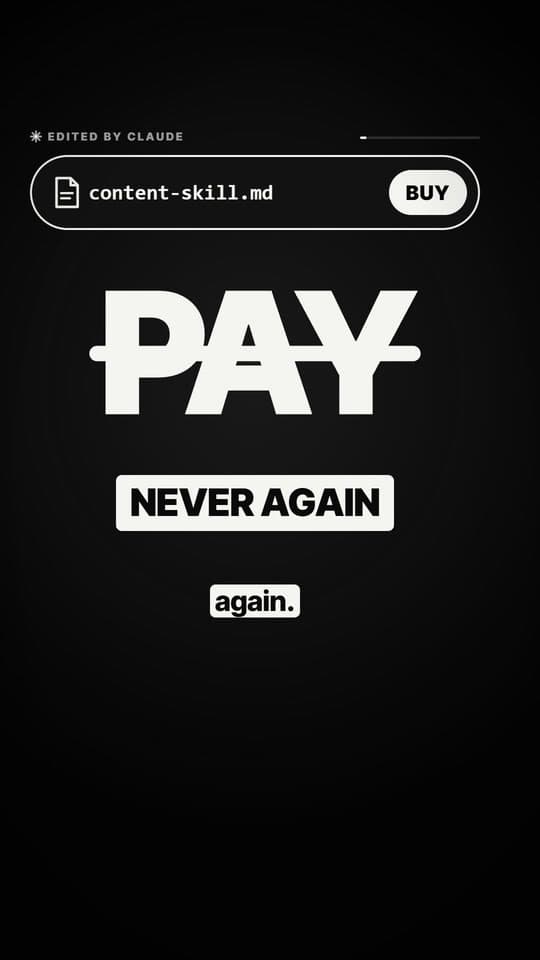 InkKinetic type
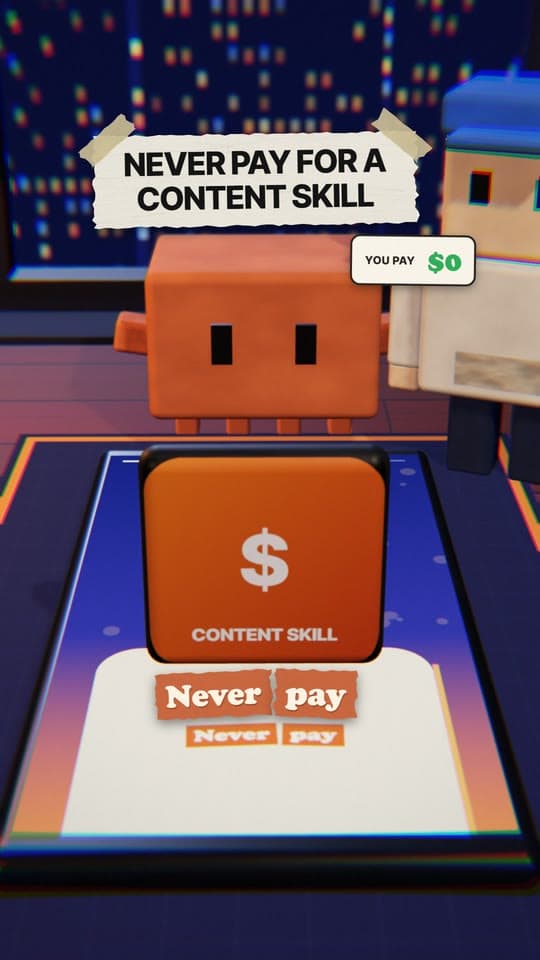 VoxelVoxel 3D
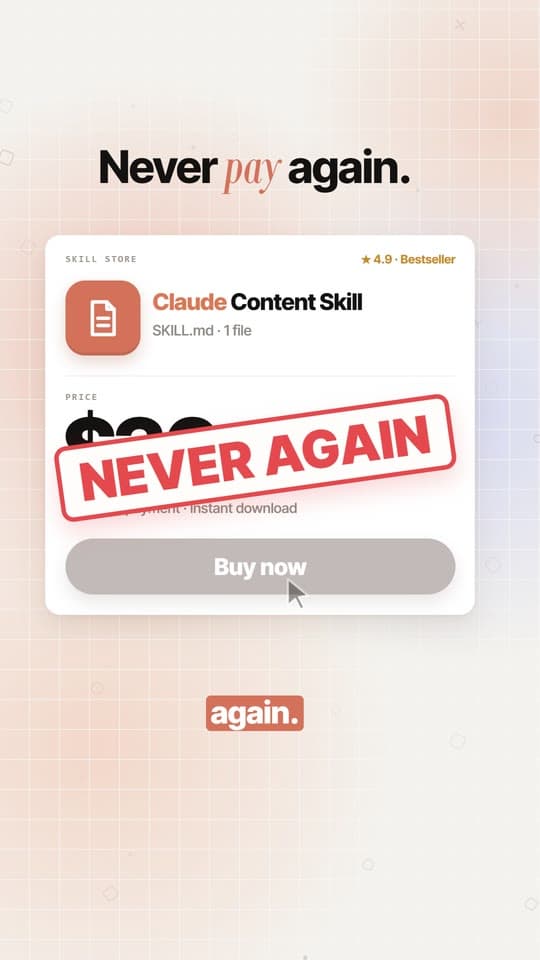 ClayTerracotta UI
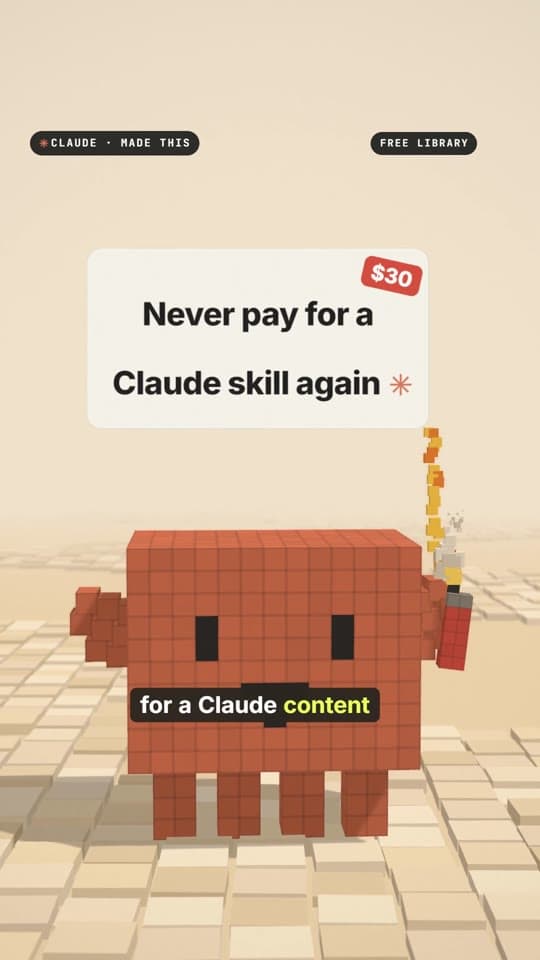 SandboxVoxel 3D
 PaperPaper 3D
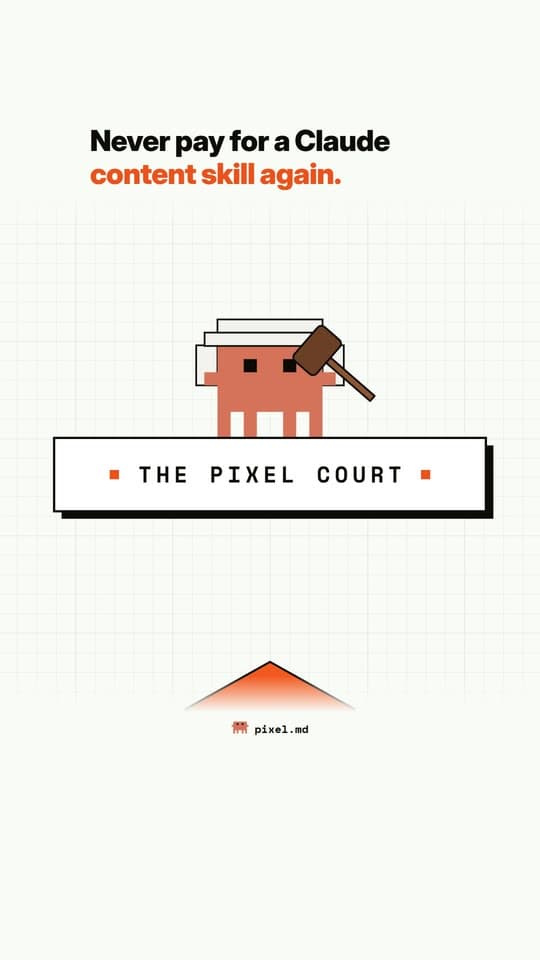 PixelPixel 2D
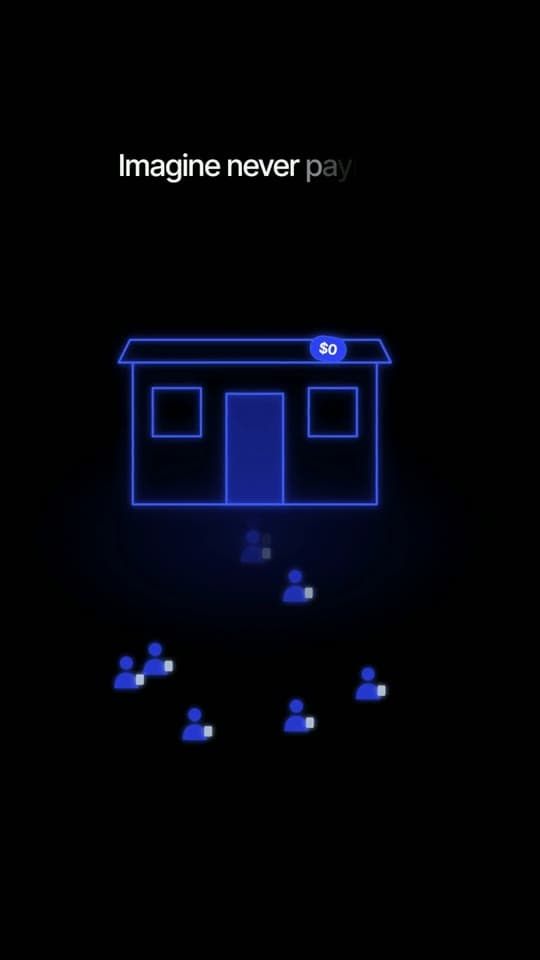 GlowGlow UI
 CutsceneLandscape film
 HalftoneHalftone 2D
 LyricLyric video
 ToyboxToy cartoon 3D
 LanternIllustrated explainer
 ChibiCharacter explainer
 CutoutCut-out explainer