Short answer: "Compacting conversation" means Claude Code's context window, the conversation it can hold at once, is nearly full, so it's replacing the conversation so far with a summary and carrying on from there. Your session doesn't end, and your files aren't touched. It's slow because writing the summary is one big extra request. You can compact yourself at a better moment with /compact (and say what to keep), make it happen earlier or later with /autocompact, or start fresh between tasks with /clear.
Everything here is from Anthropic's Claude Code documentation, checked on November 13, 2026. (I build Morphy, which runs Claude Code as chats; it comes up once, near the end.)
What compacting does
Every message you send includes the whole conversation so far: your requests, Claude's answers, and every file and command output it has read. When that gets close to the model's context window, Claude Code sends one more request asking for a summary of it all, then continues with that summary in place of the history.
| After compacting | |
|---|---|
| Your requests and key code | Kept in the summary |
| Detailed instructions from early in the conversation | May be lost: put rules you always want in CLAUDE.md |
CLAUDE.md, rules and auto memory | Loaded again from disk |
| The plan from plan mode | Loaded again |
| Files Claude read or edited | Up to five read again, the most recently changed first |
| Skills you used | Added again, up to 5,000 tokens each |
| Background commands and subagents | Keep running |
When does Claude Code compact?
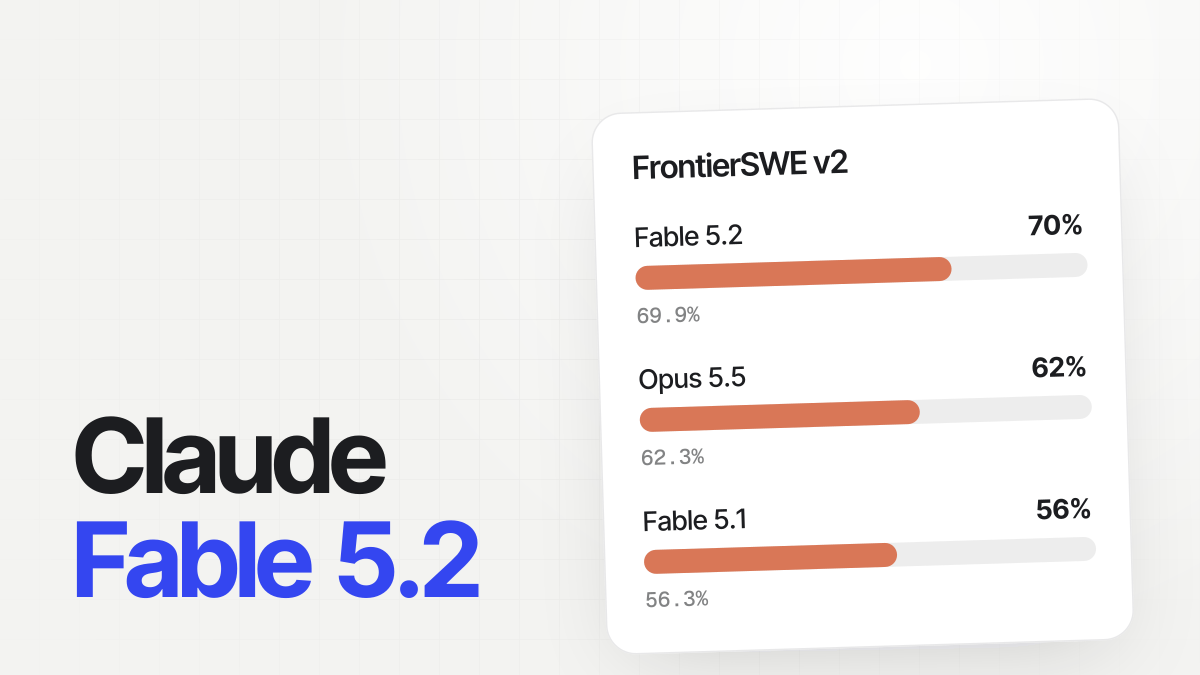
On today's models, which have a 1-million-token context window (Opus 5.5, Sonnet 5.5, Haiku 5.5, the Fable models), Claude Code compacts at about 967,000 tokens by default. Older models without the large window, like Opus and Sonnet 4.6, compact at about 200,000.
It also compacts while you're away: when a long conversation (over 200,000 tokens by default) has sat idle for about an hour, just before Claude's cache of it expires, it's summarized so your next message doesn't resend all of it at full price. You'll see Compacted while idle, before the prompt cache expired.
To see what's filling the window, run /context.
Why is compacting so slow?
The summary is written by a separate request that reads your whole conversation, so on a long session it takes a while. Most of that time goes into writing the summary. It's fastest mid-session, while Claude still has the conversation cached, and slowest when you resume an old session after a long break: then everything is read again at full price first.
So the best time to compact is a moment you choose, between tasks, rather than mid-task when the automatic one kicks in.
Compact yourself, with a focus
/compact focus on the auth bug fix and the failing tests/compact with instructions tells the summary what to keep, instead of leaving it to guess. Two other ways:
- Summarize part of it:
/rewind, pick a message, then Summarize from here or Summarize up to here. - Standing instructions: add a section called "Compact Instructions" to your
CLAUDE.mdwith what every summary should keep.
And when you're switching to unrelated work, /clear beats compacting: it starts an empty conversation for free (the old one stays in /resume).
Compacting too often?
Each compaction costs a request, and a little detail. If it happens every few minutes:
- Look at what's filling the window with
/context. IfMessagesis the largest row, a big file or command output is the cause; if the rows above it are larger, what loads at startup (MCP servers, a longCLAUDE.md) leaves too little room. - Read big things in pieces. Ask Claude to read a line range or one function instead of a whole huge file, and to show only the failing tests, not the whole run.
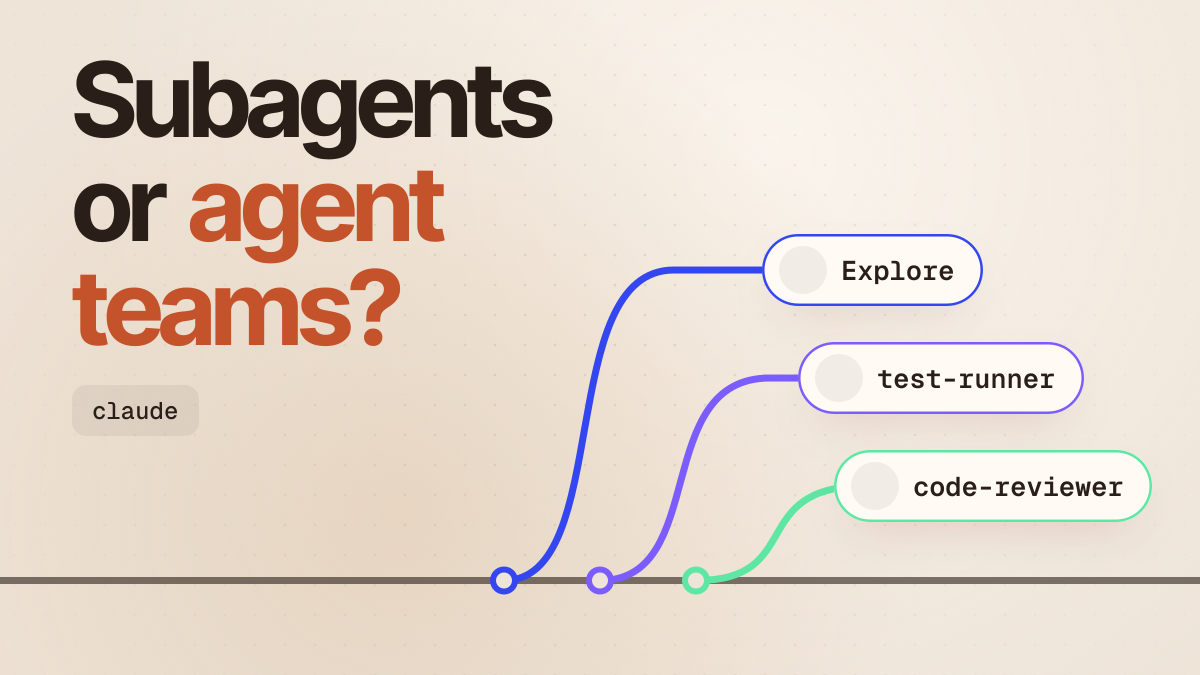
- Send noisy work to a subagent, so the output stays in its context: "use a subagent to run the tests and report only the failures". More in subagents vs agent teams.
/clearbetween tasks instead of carrying old work along.- Check the auto-compact window. If someone set a small one,
/autocompactshows it;/autocompact autogoes back to the default.
Compacting stuck, or it failed
| What you see | What it means | What to do |
|---|---|---|
| "Compacting conversation" for minutes | A long conversation takes a while to summarize, especially after a break | Give it a few minutes. If nothing moves, press Ctrl+C, restart, and run claude --resume |
Autocompact is thrashing: the context refilled to the limit... | Compacting worked, but a file or tool output filled the window again straight away, several times | Read that file in pieces, /compact keep only the plan and the diff, move the work to a subagent, or /clear |
Context limit reached · /compact or /clear to continue | The conversation is over the limit and wasn't compacted (the line adds auto-compact is off if you turned it off) | Run /compact, or /clear |
Prompt is too long · automatic compaction failed: … | Compacting itself failed, on the error named after the colon (for example, an unavailable model or a sign-in problem) | Fix that error first; /compact fails the same way until you do |
this conversation is a single exchange and cannot be compacted | One request is too big on its own, often a huge paste or attachment | /clear and send less, or point Claude at a file |
Not enough messages to compact. | Too few turns to summarize, often one huge paste | /clear and paste less, or point Claude at a file instead |
More of Claude Code's messages are in Claude Code API errors and Claude Code not working?.
Change when it compacts, or turn it off
/autocompact 500k/autocompact sets how full the window gets before Claude Code compacts, from 100K to 1M tokens, for the model you're on; /autocompact auto resets it. Compacting earlier keeps each message smaller and cheaper; later keeps more detail.
| How | What it does |
|---|---|
/autocompact 500k | For this model, in this session and later ones |
"autoCompactWindow": 200000 in ~/.claude/settings.json | For every model |
claude --autocompact 300k | For one launch |
CLAUDE_CODE_AUTO_COMPACT_WINDOW=200000 | In scripts and CI (a bare number means tokens here: 200 is 200 tokens) |
Auto-compact off in /config, or "autoCompactEnabled": false | No automatic compaction: at the limit you get Context limit reached and run /compact yourself |
"idleCompaction" setting | Turns off compacting while you're away, or changes its 200K threshold |
In Morphy
Morphy runs Claude Code as chats on a canvas, so starting fresh for a new task is just a new chat beside the old one, and the old one keeps its conversation. New conversation (right-click a chat's title bar) starts over like /clear, and Conversations… brings the old one back. When a long conversation runs into Claude's usage limits rather than the context window, Continue with hands it to another AI in a new chat. See Chats.
Questions
What does "compacting conversation" mean in Claude Code? The context window is nearly full, so Claude Code is summarizing the conversation so far and continuing from the summary.
Does compacting lose my work? Your files and code changes aren't touched. The conversation becomes a summary, which keeps your requests and key code but can drop details from early on.
How do I stop Claude Code from compacting? Turn off Auto-compact in /config (or set "autoCompactEnabled": false). You'll then need to run /compact or /clear yourself when the window fills.
Why does compacting take so long? It's an extra request that reads your whole conversation to write the summary. It's slowest after a long break, when nothing is cached.
Does compacting use my usage limit? Yes, it's a request like any other, though while the conversation is cached it costs much less than its size suggests.
Compact or clear? /compact when you're continuing the same task and need room; /clear when you're starting something new.
Related guides
- How to stop hitting Claude Code's usage limits
- Claude Code not working? How to fix it
- Claude Code subagents vs agent teams
- Claude Code API errors